Get to know your xArm
Robot · Control Box · Studio
Create a Program
Motion · Logic · Run
Topic 03
Optimize Motion
Smooth · Stable · Ready


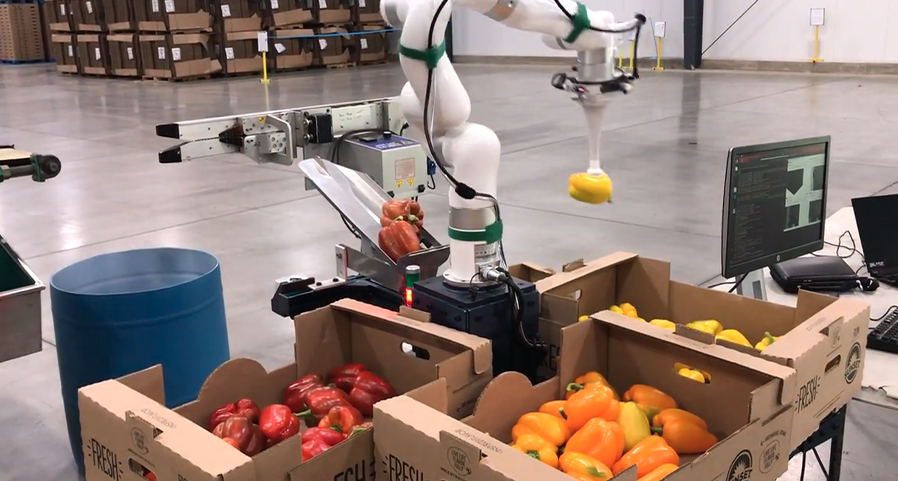
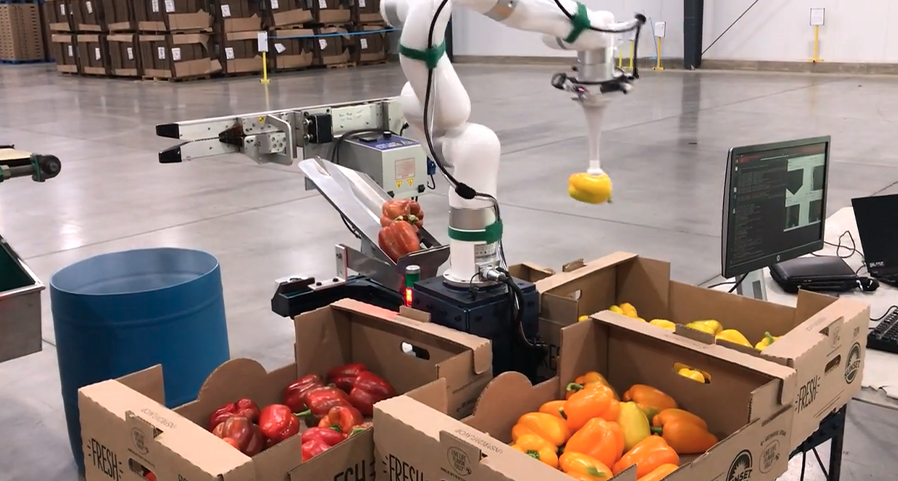
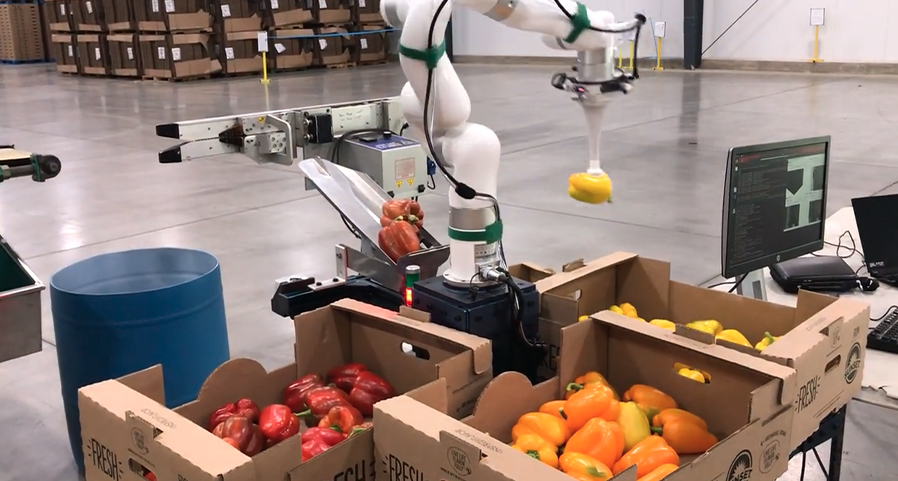
Get started with UFACTORY robots and learn how to build your first pick-and-place application. Core Training covers robot features, hardware setup, software configuration, essential commands, safety settings, and motion optimization, helping you go from basic setup to practical robot operation.
From First Setup to
Confident Operation
Get to know your xArm
Robot · Control Box · Studio
Create a Program
Motion · Logic · Run
Topic 03
Optimize Motion
Smooth · Stable · Ready
Start with the basics of the robot system, then move through setup, tool configuration, programming, safety, and motion optimization to build the skills needed to operate your UFACTORY robot independently.
8 lessons
About 84 Minutes
Beginner
Browse the lessons and select one to see what it covers and what you'll learn.
Get to Know Your xArm
7 minconnection · setup·I/O
Prepare Your xArm for Its First Task
6 minconnection · setup·I/O
Set Up Your End Tool
17 minconnection · setup·I/O
Create Your First Robot Program
7 minconnection · setup·I/O
Connect External Devices
7 minconnection · setup·I/O
Control a Conveyor
7 minconnection · setup·I/O
Configure Basic Safety Settings
7 minconnection · setup·I/O
Optimize Robot Motion
7 minconnection · setup·I/O
Set up the robot system and complete the basic checks needed before building your first automation task.
Connect the robot system correctly
Understand the basic setup workflow
Check the robot connection status
Confirm the robot is ready for operation
Set up the robot system and complete the basic checks needed before building your first automation task.
Connect the robot system correctly
Understand the basic setup workflow
Check the robot connection status
Confirm the robot is ready for operation
Set up the robot system and complete the basic checks needed before building your first automation task.
Connect the robot system correctly
Understand the basic setup workflow
Check the robot connection status
Confirm the robot is ready for operation
Set up the robot system and complete the basic checks needed before building your first automation task.
Connect the robot system correctly
Understand the basic setup workflow
Check the robot connection status
Confirm the robot is ready for operation
Set up the robot system and complete the basic checks needed before building your first automation task.
Connect the robot system correctly
Understand the basic setup workflow
Check the robot connection status
Confirm the robot is ready for operation
Set up the robot system and complete the basic checks needed before building your first automation task.
Connect the robot system correctly
Understand the basic setup workflow
Check the robot connection status
Confirm the robot is ready for operation
Set up the robot system and complete the basic checks needed before building your first automation task.
Connect the robot system correctly
Understand the basic setup workflow
Check the robot connection status
Confirm the robot is ready for operation
Set up the robot system and complete the basic checks needed before building your first automation task.
Connect the robot system correctly
Understand the basic setup workflow
Check the robot connection status
Confirm the robot is ready for operation
Continue building your application skills, or jump directly to maintenance and troubleshooting resources.
go beyond the fundamentals and learn more advanced robot functions,
functions,control methods, and application workflows.
find practical maintenance guidance and step-by-step help for
common robot issues and operating problems.